Futureproof Your Growth with HARTRON Advanced SKill centre, ballabgarh

Foundation Computer Courses*
MONTH 2 – MS Word + Excel (Core Focus)
MS Word (1 Week)
Text formatting and page setup to create neat, professional documents suitable for different purposes.
Resume creation and official letter writing to present skills clearly and communicate effectively.
Working with tables and images to organize and present information in a visually clear way.
Using headers and footers to maintain proper document structure and build practical skills for academic and workplace communication.
MS EXCEL (3 Weeks – Detailed Practical Module)
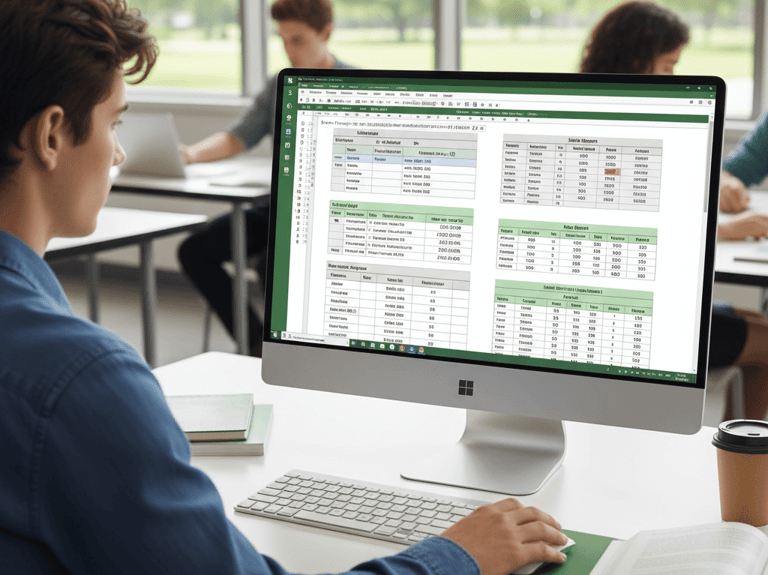
Understanding Excel basics: interface, rows, columns, cells, workbooks, worksheets, data entry methods, cell formatting, and using AutoFill for efficient work.
Applying essential formulas and functions such as SUM, AVERAGE, COUNT, MAX, MIN, IF, COUNTIF, SUMIF, percentage calculations, and simple profit and loss for data analysis.
Managing data using sorting, filtering, removing duplicates, freezing panes, data validation with drop-down lists, and conditional formatting to highlight key insights.
Creating charts and reports including column, pie, and bar graphs, along with printing and page setup to present Excel work professionally.
Practical Projects in Excel
Students will create:
Student Marksheet
Attendance Sheet
Salary Sheet
Monthly Expense Tracker
Simple Sales Report
MONTH 3 – PowerPoint + Internet + Interview Preparation
MS PowerPoint
Creating clear and engaging slides with effective structure to present ideas in a simple and understandable way.
Applying themes and designs to make presentations visually appealing and professional.
Using animations and transitions effectively to enhance understanding without distraction.
Building presentation skills to communicate confidently, organize content logically, and deliver impactful presentations in academic and professional settings.
Internet & Digital Skills
Creating and managing an email ID and sending professional emails with attachments for effective communication.
Filling online forms accurately for applications, registrations, and official purposes.
Learning job search techniques to explore and apply for opportunities online with confidence.
Understanding cyber security basics to stay safe, protect personal information, and use the internet responsibly.
Soft Skills & Interview
Developing communication skills with a focus on basic English used in office environments for clear speaking and writing
Practicing common interview questions to learn how to answer confidently in professional situations
Building confidence through guided activities that improve self-expression and workplace readiness
Understanding positive body language to present oneself effectively in interviews and workplace interactions
Final Assessment
Students will complete hands-on tasks including creating a professional resume in Word, preparing an Excel marksheet using formulas to demonstrate data skills, designing a clear presentation in PowerPoint, and submitting their project via email to practice digital communication. The module concludes with a practical viva to assess understanding, application, and confidence in using these tools.
Students must complete:
Resume (Word)
Excel Marksheet (With Formulas)
Presentation (PowerPoint)
Email Submission of Project
Practical Viva
MONTH 1 – Computer Fundamentals + Windows + Typing
Topics:
Understanding computer basics: hardware, software, and how input and output devices like keyboard, mouse, and monitor are used in daily tasks.
Navigating Windows OS and managing files and folders efficiently for organized and productive computer use.
Using essential shortcut keys and basic troubleshooting techniques to solve common issues and work faster.
Typing practice to improve speed and accuracy with a target of 25–30 words per minute for confident computer handling.
Practical Projects:
Students will create:
Organizing files & folders
Installing basic software
Using shortcuts efficiently
Job-Oriented Fast Track Course for All Students
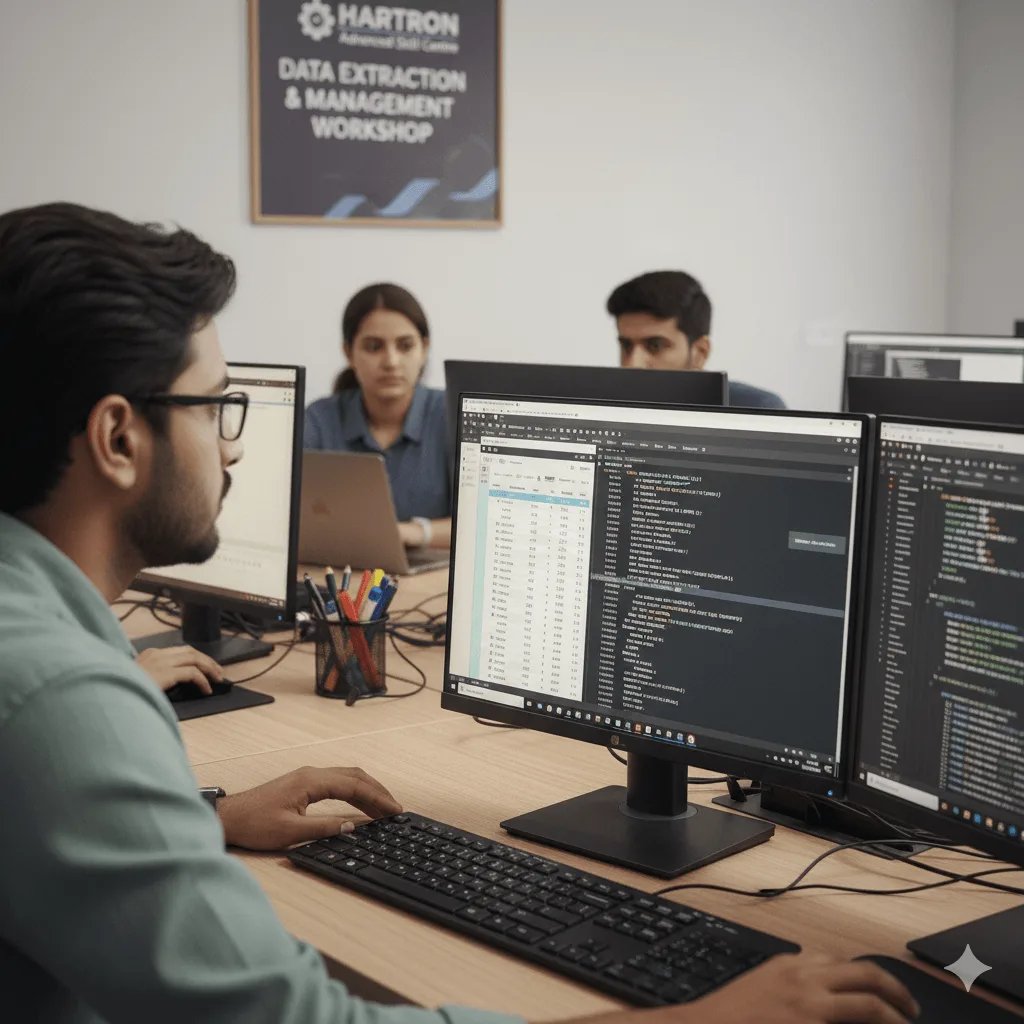
At HARTRON Ballabgarh, we offer to make students fully confident in MS Office, especially Excel, so they can work in offices, schools, shops, or small companies.
What You’ll Learn
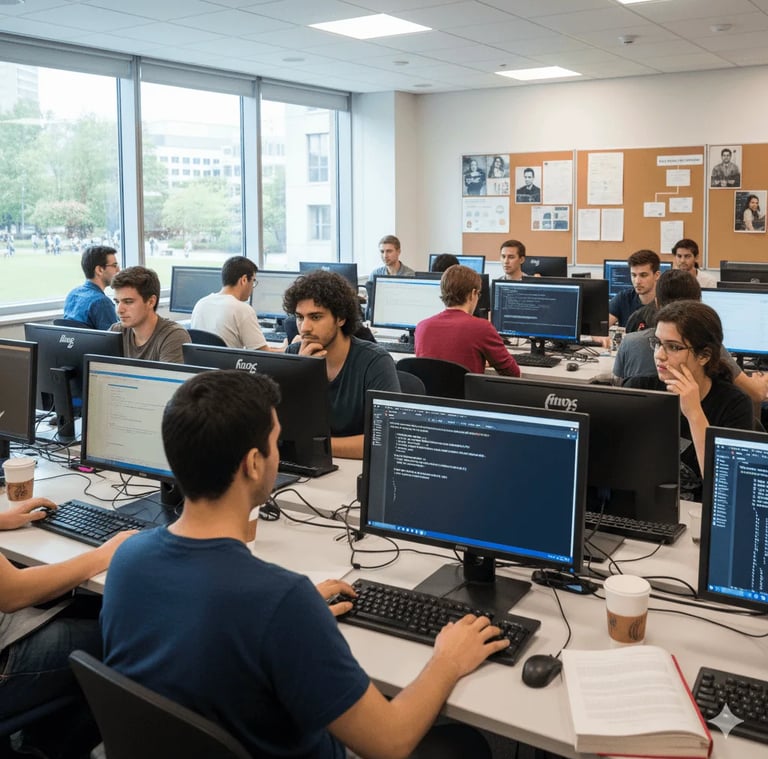
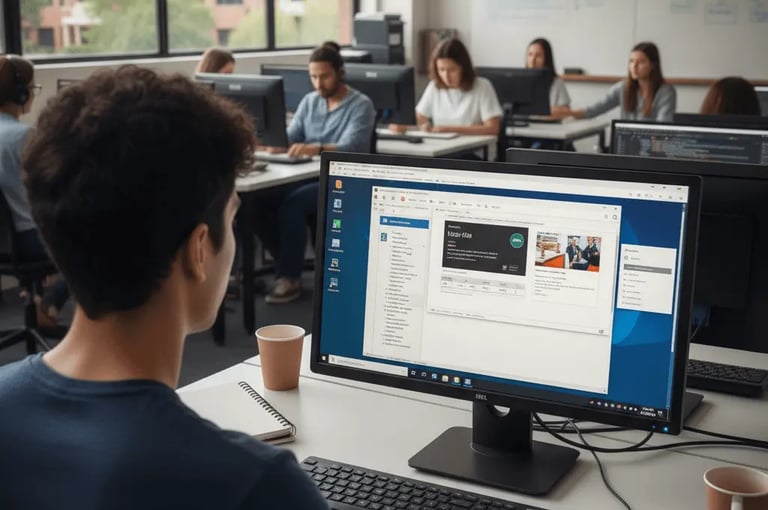
3-MONTH BASIC COMPUTER PROGRAM
Course Duration - 3 Months Fee - ₹9,000/- ₹6,000/- Eligibility - Anyone
*Terms and Conditions apply
Contact Us
Get in touch
Support
visit us
hartronballabhgarh@gmail.com
© 2025. All rights reserved.
Write us